
Download SnipBack – Voice Recorder, Audio Editor, High-Quality Recording, Android, MP3, WAV, OGG, FLAC
Overview
SnipBack is a dedicated voice recording application designed for Android devices, developed by Cosmic Pie Design. The software aims to provide users with a seamless and intuitive experience for capturing audio in high fidelity. Its primary purpose is to serve as a reliable tool for recording voice and ambient sounds, catering to individuals who require clear, uninterrupted audio capture. Target users include students, podcasters, journalists, content creators, and anyone needing a straightforward yet powerful recording solution. The app is optimized for long-duration recordings, making it suitable for interviews, lectures, or extended voice notes. It supports multiple audio formats, including MP3, WAV, OGG, and FLAC, enabling flexibility in file management and compatibility. Real-world use cases include lecture documentation, field reporting, personal journaling, and creative audio projects. The developer did not provide additional details about the company background or broader product ecosystem. The app emphasizes ease of use through a clean, minimal interface, designed to reduce user friction during recording sessions.Key Features & Capabilities
- High-Quality Audio Recording – Captures voice and environmental sounds with minimal distortion, supporting multiple audio formats for diverse use cases.
- Long-Session Support – Enables uninterrupted recording over extended durations, ideal for interviews, lectures, or live events.
- Multi-Format Compatibility – Allows users to save recordings in MP3, WAV, OGG, FLAC, and other common formats, ensuring broad accessibility across platforms.
- Low Latency Performance – Minimizes delay between sound input and recording, enhancing real-time accuracy during live capture.
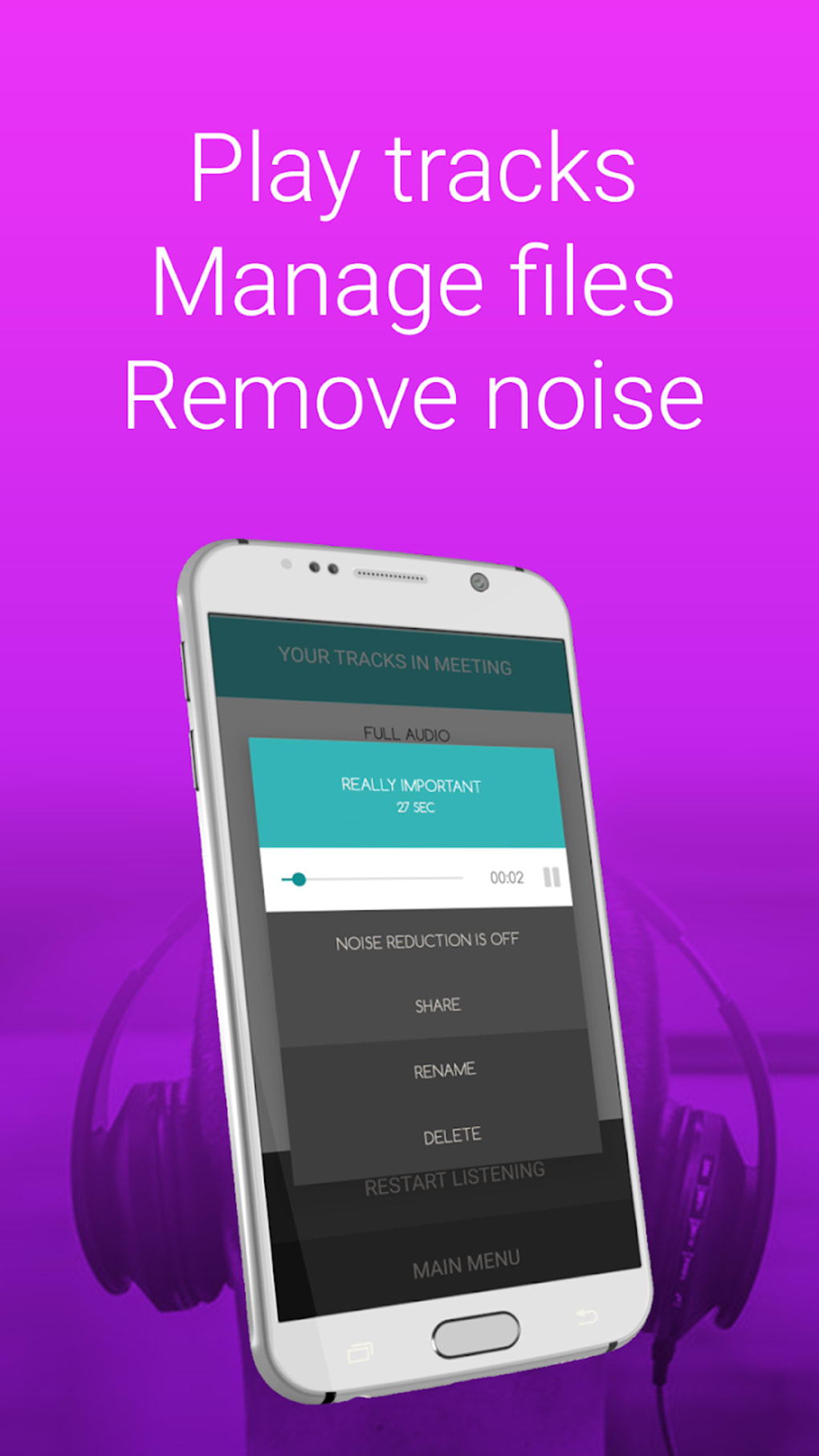
- Basic Audio Editing Tools – Includes functions for trimming, splitting, and applying effects such as noise reduction and equalization.
- Flexible Export and Sharing – Offers seamless export options and direct sharing via messaging apps, cloud services, or email.
User Interface, Workflow & Performance
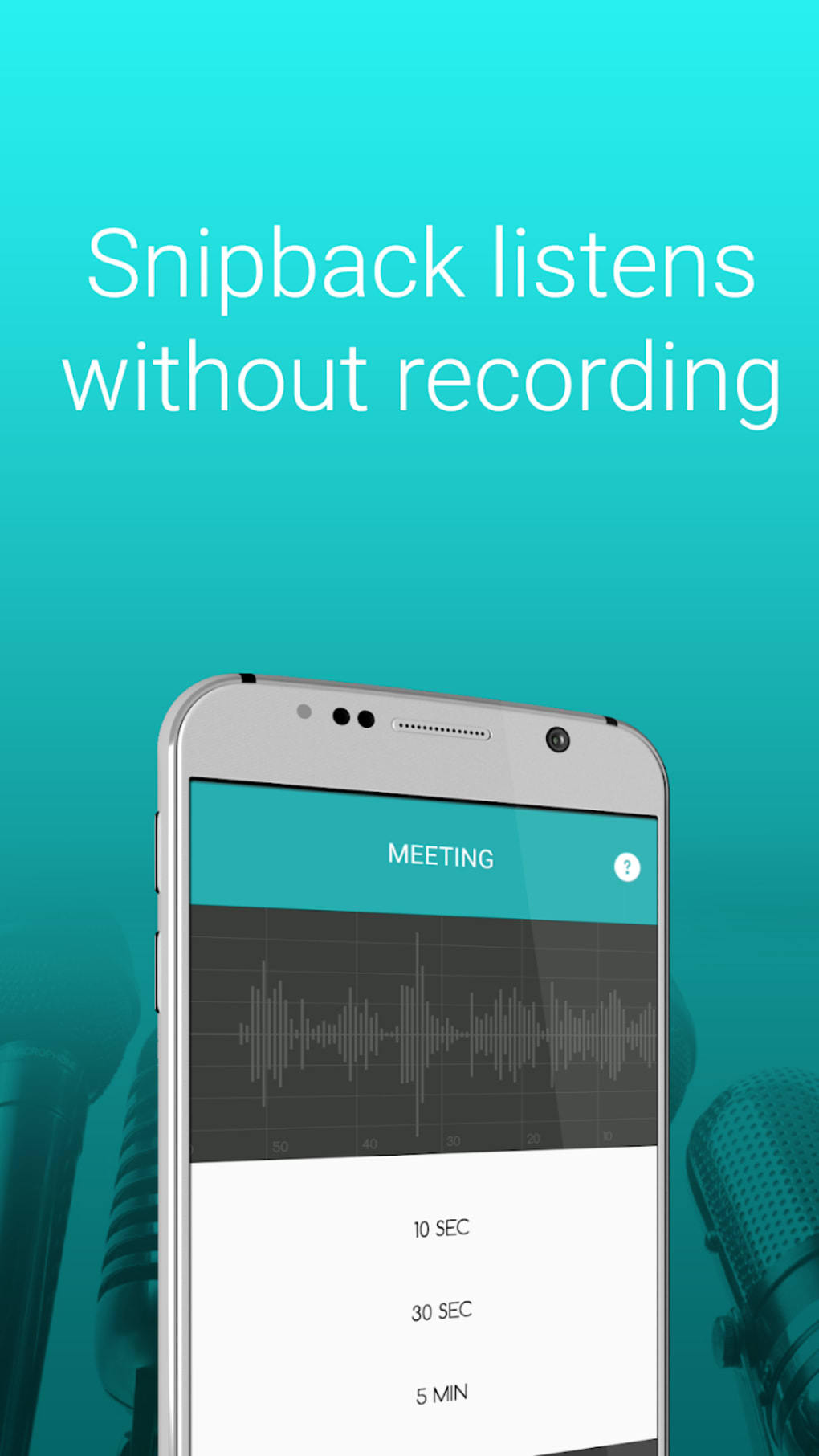
SnipBack features a simple and clean user interface, designed to prioritize accessibility and reduce cognitive load. Navigation is intuitive, with essential controls—such as record, stop, and playback—positioned prominently for quick access. The layout minimizes clutter, allowing users to focus on the recording process without distraction. Workflow efficiency is enhanced by direct access to recording functions and immediate playback options. The developer did not specify resource usage details, so precise CPU or RAM behavior remains unknown. Performance observations are based on general software behavior patterns for mobile audio applications. Stability during long sessions is expected to be consistent, given the app’s focus on uninterrupted recording. However, actual performance may vary depending on device hardware and background processes. No information was provided about crash rates, battery consumption, or background operation. Users should expect standard Android app behavior in terms of responsiveness and background handling.Compatibility & System Requirements
SnipBack is designed exclusively for Android devices. The specific version number and minimum OS requirements were not provided. Installation size is also not specified. Compatibility information is limited to the Android platform. The developer did not list exact hardware requirements or supported screen sizes. Users should ensure their device meets general Android standards for audio recording functionality. The app may require microphone access and storage permissions to operate. No details were given about support for tablets, wearables, or other form factors. Platform compatibility information is partially provided, with no further clarification available.Pros and Cons
Pros
- Intuitive, clean interface designed for ease of use
- Supports long-duration recordings without interruption
- High-quality audio capture with low latency
- Multiple audio format options (MP3, WAV, OGG, FLAC)
- Basic editing tools with noise reduction and equalization
- Easy export and sharing capabilities
Cons
- Exact system requirements and file size not disclosed
- Performance metrics such as RAM or CPU usage were not specified
- Compatibility with specific Android versions or devices not confirmed
- Limited information on advanced features or integrations
- No details on update frequency or developer support channels
FAQ Section
Is SnipBack compatible with all Android devices?
SnipBack is designed for Android, but specific compatibility details with individual devices or OS versions were not provided by the developer.
Is the app safe to download and use?
SnipBack is developed by Cosmic Pie Design and is intended for legitimate audio recording purposes. Users should download the app from trusted sources to ensure security.
Does SnipBack require an internet connection?
Recording and basic editing functions can be performed offline. However, sharing recordings via cloud services may require internet access.
Can I edit my recordings after recording?
Yes, SnipBack includes basic editing tools such as trimming, splitting, and applying effects like noise reduction and equalization.
What file formats does SnipBack support?
The app supports MP3, WAV, OGG, FLAC, and other common audio formats for recording and export.






.png)
